
Blog

Workflow: UI/UX Design
Design is not just how it looks; it is how it works. Dive into the principles of creating intuitive and visually stunning user interfaces.
The Design phase translates abstract requirements and strategy into tangible visual concepts. It is where brand identity meets user psychology to create an interface that is both beautiful and functional.
Wireframing and User Flows
We never start with high-fidelity designs. First, we create wireframes to establish the layout, information architecture, and core user flows. This allows us to iterate rapidly on structure without getting bogged down by colors or typography.
Establishing the Design System
A cohesive design system is vital for consistency. We define the color palette, typography scales, spacing tokens, and create reusable components (like buttons and inputs) in Figma. This system later translates directly into code (e.g., Tailwind config).
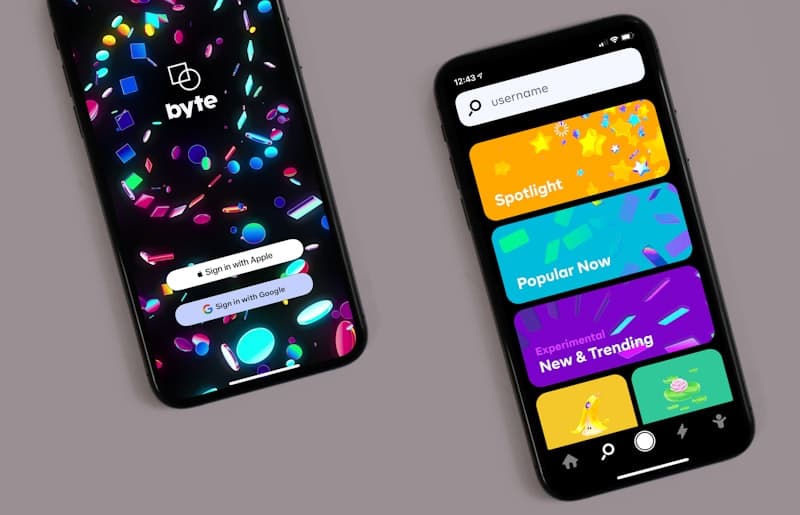
The outcome of this phase is a set of high-fidelity mockups that clearly demonstrate exactly what the final product will look like across different device sizes.
Abuzar Alvi
I am a passionate software engineer building scalable, modern web applications. When I'm not writing code, I love exploring the latest frontend technologies and sharing my knowledge through tutorials.

Discussion
Giscus Comments Placeholder
Comments are currently disabled. To enable them, set up GitHub Discussions on your repository and replace the placeholders in components/BlogComments.jsx.