
Blog
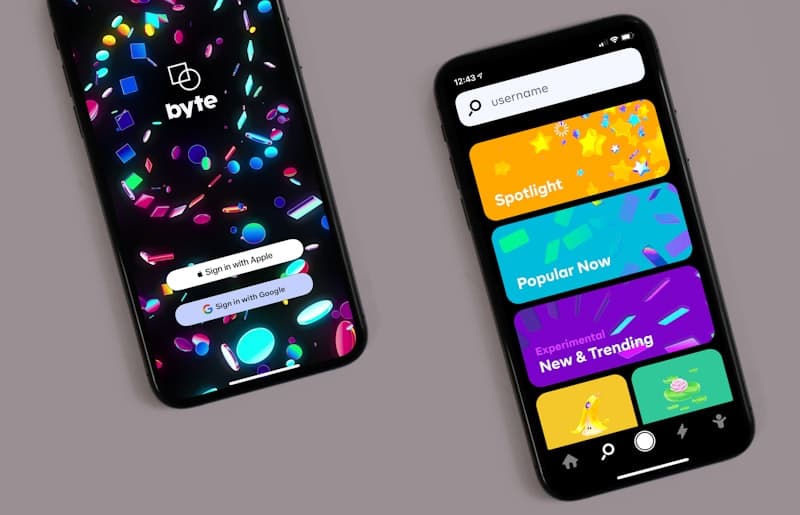
Workflow: Prototyping & Feedback
Interactive prototypes bring static designs to life. See how early prototyping saves countless hours in the development phase.
Static images can only convey so much. The Prototyping phase links static screens together to simulate the final product experience, allowing stakeholders to "feel" the application before any code is written.
Validating User Experience
By creating clickable prototypes in tools like Figma, we can hand the design to actual users or stakeholders and watch how they navigate. Do they click where we expect? Is the checkout flow intuitive? We catch usability issues here when they are cheap to fix, rather than during development.
The Developer Handoff
A detailed prototype serves as the ultimate source of truth for developers. It resolves ambiguities about animation timing, hover states, and conditional logic. Once the prototype is approved, development can begin with absolute confidence and clarity.
Abuzar Alvi
I am a passionate software engineer building scalable, modern web applications. When I'm not writing code, I love exploring the latest frontend technologies and sharing my knowledge through tutorials.


Discussion
Giscus Comments Placeholder
Comments are currently disabled. To enable them, set up GitHub Discussions on your repository and replace the placeholders in components/BlogComments.jsx.